PickGo Rider & PickGo ACE Driver
Secure ride booking platform for customers and verified earning platform for drivers. Powered by GPS, Aadhaar verification, and Razorpay payments.
View Privacy Policy Download Apps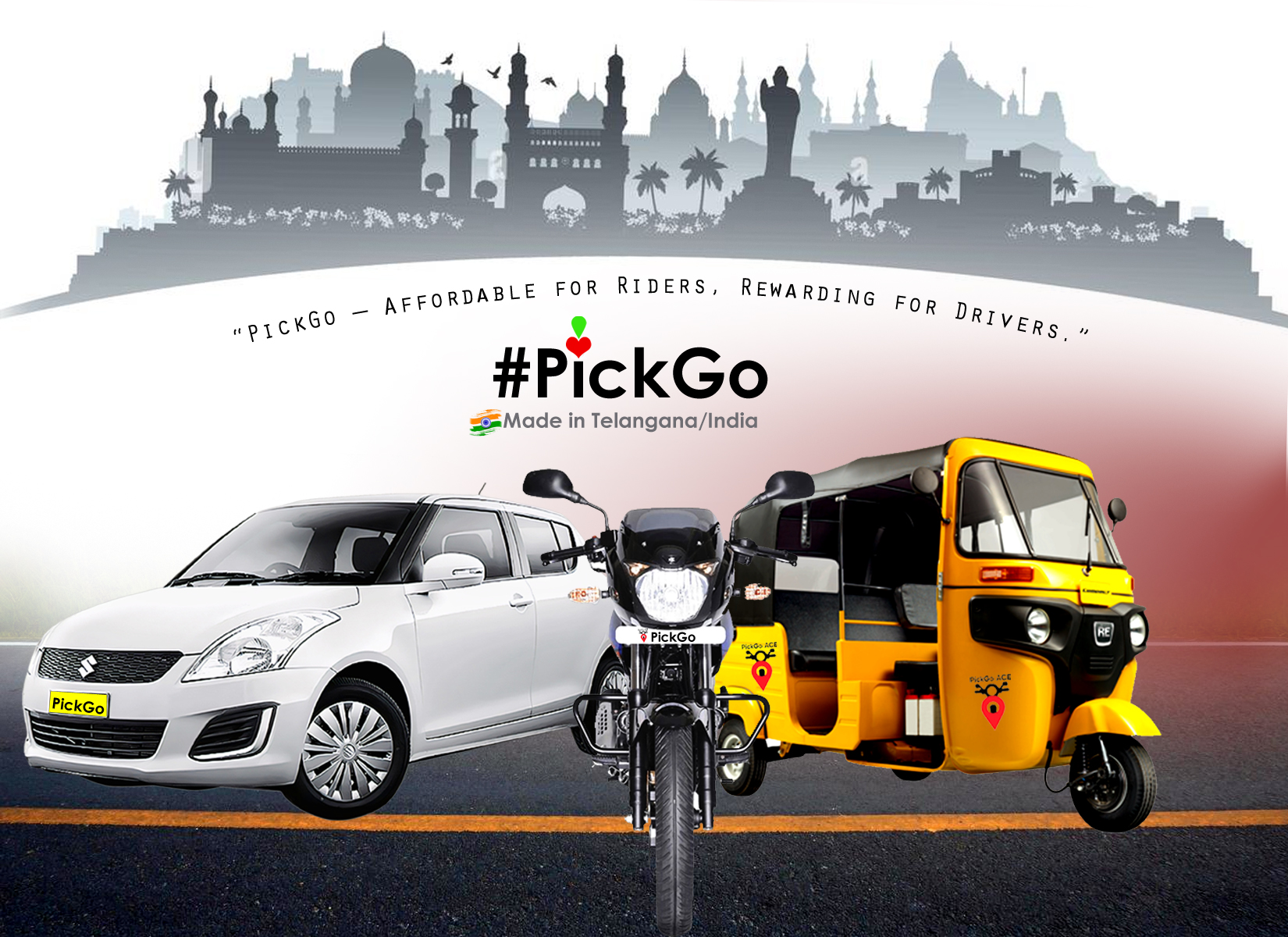
Made in Telangana/India 🇮🇳
📱 Download Our Apps
Get the PickGo apps for a seamless ride booking experience
Available on Google Play Store
Google Play
How PickGo Works — Complete Process
This explains the full operation flow for both Customer App and Driver App.
📌 A. Customer App — Step-by-Step Process
- Customer installs the PickGo Rider app and grants required permissions (Location, Notifications, Phone).
- Customer registers using Phone Number OTP (Aadhaar Number is mandatory for safety).
- Customer enters basic details (Name, Aadhaar, Phone).
- Selects Pickup & Drop location using live Google Maps.
- Chooses ride type — Bike, Auto, Mini, Sedan, Premium.
- Sees fare estimate & ETA instantly.
- Confirms booking → Ride request is sent to nearest drivers.
- Driver accepts ride → Customer receives driver details instantly.
- Customer can track live driver movement on the map.
- After the ride, customer pays online using Razorpay (UPI / Cards / Wallet).
- If the app is closed during payment, the transaction auto-cancels — PickGo is not responsible.
- Customer can rate the driver & download ride invoice.
📌 B. Driver App — Step-by-Step Process
- Driver opens the PickGo ACE app → Must allow permissions (Location, Camera, Storage, Phone, Notifications).
- Driver registers using OTP or Google Login.
- Uploads mandatory documents:
- Aadhaar – Front & Back
- Driving License – Front & Back
- RC – Front & Back
- Profile Photo
- Driver enters:
- Name
- Date of Birth
- Gender
- Vehicle Type (Bike/Auto/Mini/Sedan/Premium)
- Vehicle Brand & Vehicle Number
- Documents go to PickGo admin for manual approval.
- Until approved, driver stays in "Waiting for Approval" mode.
- After approval, driver enters Home Page with Google Maps.
- Driver switches "On Duty" to start receiving ride requests.
- Nearby customer ride requests appear with countdown timer.
- Driver accepts a ride → Customer details appear.
- Driver reaches customer using GPS navigation.
- Driver completes trip → Earnings are added to "Today's Earnings".
- Payouts sent to driver UPI/bank as per policy.
📌 C. Important Platform Rules
- Customer Aadhaar is mandatory — if not provided, PickGo is not responsible for identity issues.
- Internet must be active for booking, tracking & payments.
- If payment screen is closed → payment will fail (Razorpay rule).
- Drivers must not accept offline rides — account may be suspended.
- All communication must be through in-app calling system.
🇮🇳 Made in India | Made in Telangana
Proudly serving customers across India with our homegrown technology platform.
Hyderabad, Telangana • Registered under Indian Companies Act
Contact Us
Office Address
Hyderabad, Telangana, India
Email Support
support@pickgoride.in
Phone Number
+91 8096721903
Connect With Us on Social Media
Stay updated with latest offers, announcements, and support